同款老父亲,Python 随机小学生数学训练题生成源码


一个比较有意思的 Python 入门应用,作为同款老父亲,你一定不要错过,如果你还不是老父亲,请略过,来自于吾爱破解的老父亲的 Python 工具玩具应用,也是为了孩子超碎了心哈哈哈哈!
幼小衔接数学训练题,不用苦思冥想,直接应用python搞定,直接random就可以实现,老父亲们可谓强大!
随机原理
很明显,python random 库就能随机生成,完全可以按照你的设定生成数学训练题。
只需要按照题库规则,随机生成数字即可!
实现源码
#python随机生成计算练习题
#@author wx:hugoo00289
# -*- coding: UTF-8 -*-

import random

#随机生成个位数
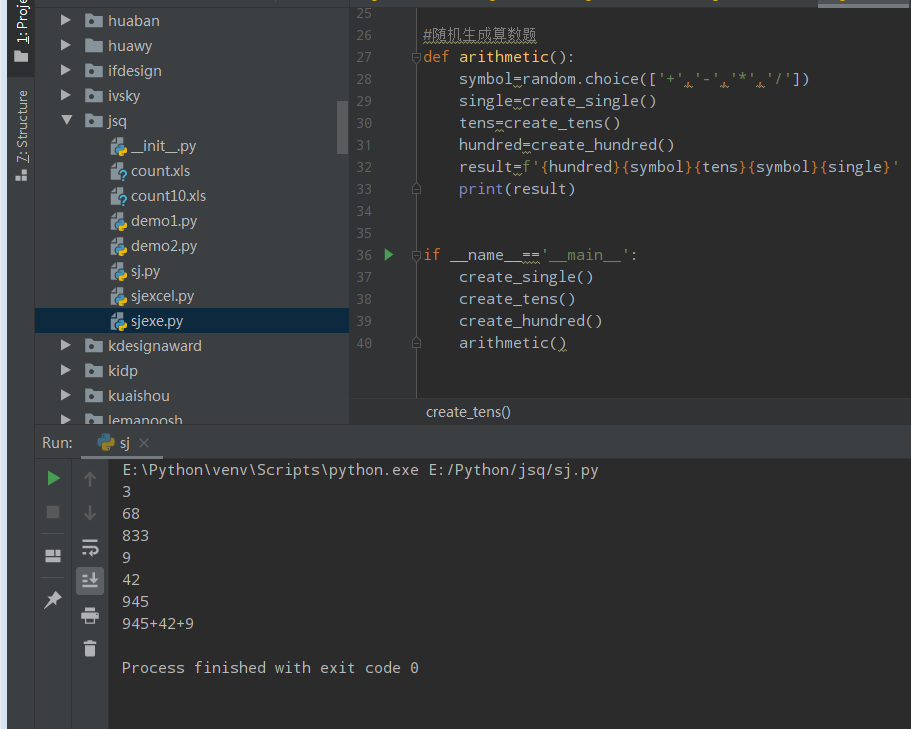
def create_single():
    single=random.randint(0,9)
    print(single)
    return single

#随机生成十位数
def create_tens():
    tens=random.randint(10,99)
    print(tens)
    return tens

#随机生成百位数
def create_hundred():
    hundred=random.randint(100,999)
    print(hundred)
    return hundred


#随机生成算数题
def arithmetic():
    symbol=random.choice(['+','-','*','/'])
    single=create_single()
    tens=create_tens()
    hundred=create_hundred()
    result=f'{hundred}{symbol}{tens}{symbol}{single}'
    print(result)


if __name__=='__main__':
    create_single()
    create_tens()
    create_hundred()
    arithmetic()
应用源码
#python随机生成100道个位加减计算练习题 导出excel格式题
#@author wx:hugoo00289
# -*- coding: UTF-8 -*-

import random
import xlwt
import os

#随机生成算数题
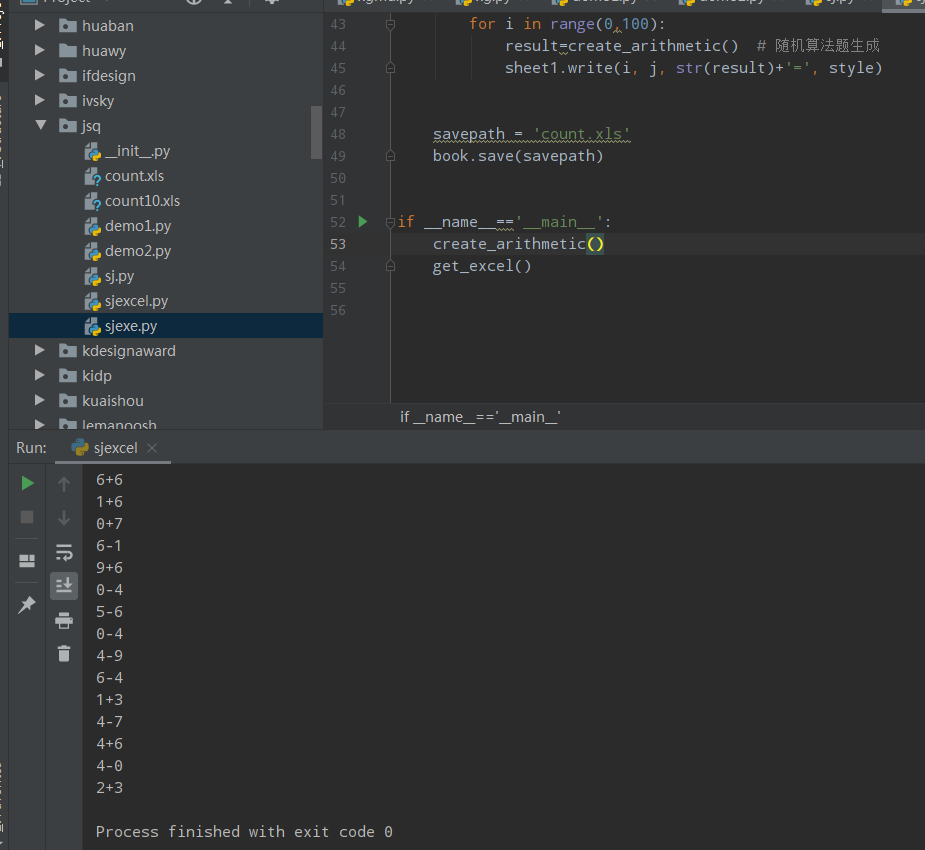
def create_arithmetic():
    symbol = random.choice(['+', '-'])
    single = random.randint(0, 9)
    single_two = random.randint(0, 9)
    result=f'{single}{symbol}{single_two}'
    print(result)
    return result


#导出为excel格式题
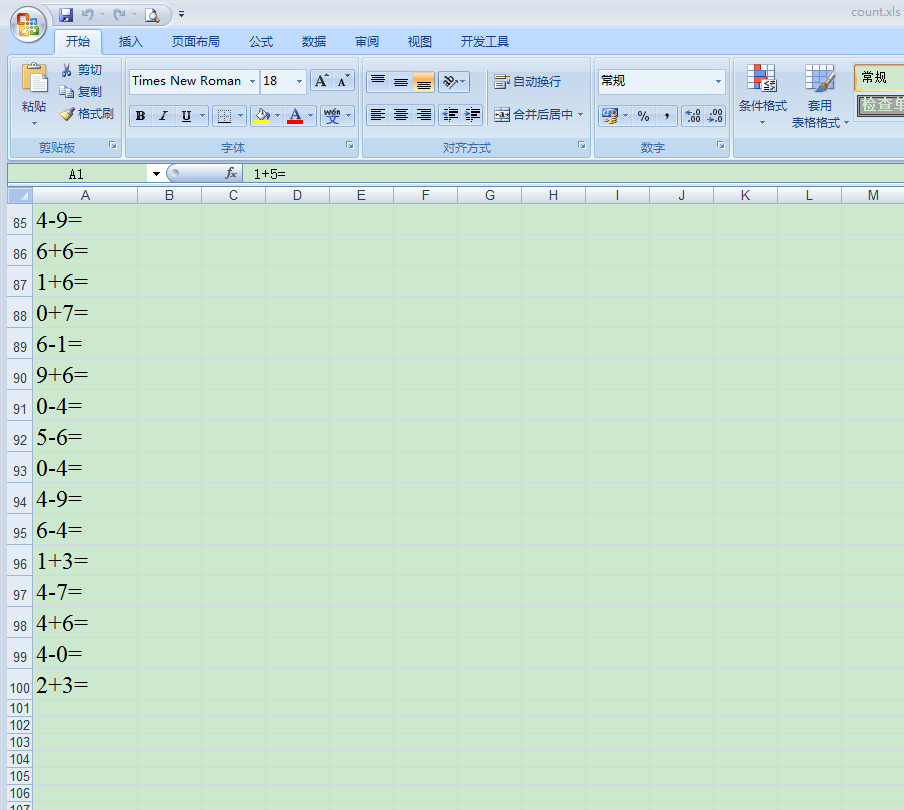
def get_excel():
    filename = 'count.xls'  # 检测当前目录下是否有count10.xls文件,如果有则清除以前保存文件
    if os.path.exists(filename):
        os.remove(filename)

    book = xlwt.Workbook(encoding='utf-8', style_compression=0)
    sheet1 = book.add_sheet('10以内加减法', cell_overwrite_ok=True)

    style = xlwt.XFStyle()  # 格式信息
    font = xlwt.Font()  # 字体基本设置
    font.name = u'Times New Roman'
    font.color = 'black'
    font.height = 360  # 字体大小,18 号字体
    style.font = font
    alignment = xlwt.Alignment()  # 设置字体在单元格的位置
    alignment.horz = xlwt.Alignment.HORZ_CENTER  # 水平方向
    alignment.vert = xlwt.Alignment.VERT_CENTER  # 竖直方向

    # 调整下excel表的格式 列宽
    sheet1.col(0).width = 256 * 15


    for j in range(0, 1):
        for i in range(0,100):
            result=create_arithmetic()  # 随机算法题生成
            sheet1.write(i, j, str(result)+'=', style)


    savepath = 'count.xls'
    book.save(savepath)


if __name__=='__main__':
    create_arithmetic()
    get_excel()
话说,幼儿园到小学,从此鸡飞狗跳的日子开始了,老父亲们,心脏够强大么?!
欢迎留言交流!
同款老父亲...
本文参与 腾讯云自媒体同步曝光计划,分享自微信公众号。
原始发表:2023-08-09,如有侵权请联系 cloudcommunity@tencent.com 删除
目录
腾讯云开发者

Copyright © 2013 - 2026 Tencent Cloud. All Rights Reserved. 腾讯云 版权所有
深圳市腾讯计算机系统有限公司 ICP备案/许可证号:粤B2-20090059  粤公网安备44030502008569号
腾讯云计算(北京)有限责任公司 京ICP证150476号 | 京ICP备11018762号