TUIKit 默认实现了文本、图片、语音、视频、文件等基本消息类型的发送和展示,如果这些消息类型满足不了您的需求,您可以新增自定义消息类型。
基本消息类型
消息类型 | 显示效果图 |
文本类消息 |  |
图片类消息 |  |
语音类消息 |  |
视频类消息 | 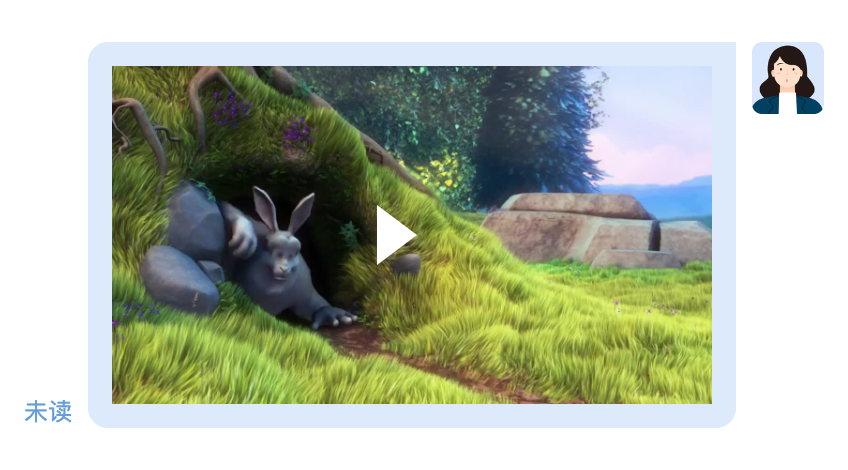 |
文件类消息 | 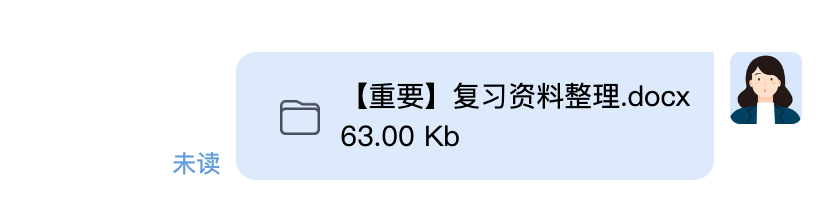 |
自定义消息
如果基本消息类型不能满足您的需求,您可以根据实际业务需求自定义消息。
自定义消息预设样式 | 显示效果图 |
超文本类消息 | 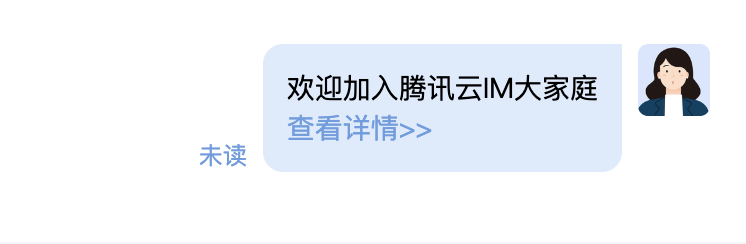 |
评价类消息 | 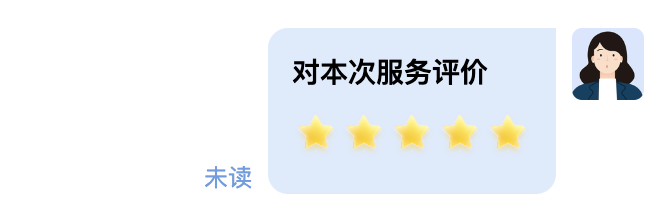 |
订单类消息 | 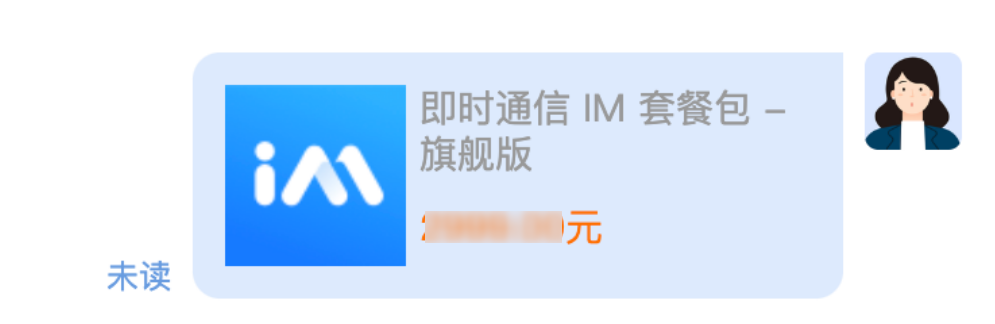 |
实现步骤
自定义消息需要传入哪些数据是用户自行决定的,假设我们要开发一个购买商品的自定义消息,我们应该需要:
区分自定义消息的唯一 ID
商品名
商品价格
商品链接
<script setup lang="ts">import {Chat,ChatHeader,MessageInput,MessageList,MessageType,useChatContext,} from '@tencentcloud/chat-uikit-vue3';import ProductMessage from './ProductMessage.vue';import './styles.css';const { sendMessage } = useChatContext();const messageRenderers = {[MessageType.Custom]: ProductMessage,};function handleSendProductMessage() {sendMessage({type: 'customMessage',customData: JSON.stringify({businessID: 'product',name: 'T-Shirt',price: '$19.99',link: 'https://cloud.tencent.com/product/im',}),description: '[Product]',});}</script><template><div class="custom-message-basic-demo"><div class="custom-message-basic-demo__frame"><Chat class="custom-message-basic-demo__chat"><ChatHeader /><MessageList :message-renderers="messageRenderers" /><div class="custom-message-basic-demo__toolbar"><button type="button" @click="handleSendProductMessage">Send Product Message</button></div><MessageInput :auto-focus="false" :hide-send-button="false" /></Chat></div></div></template><style>.custom-message-basic-demo {display: flex;height: 100%;flex-direction: column;gap: 20px;padding: 24px;overflow: hidden;}.custom-message-basic-demo__header h2 {margin: 0 0 8px;color: #111827;font-size: 22px;}.custom-message-basic-demo__header p {margin: 0;color: #6b7280;font-size: 14px;}.custom-message-basic-demo__frame {min-height: 0;flex: 1;overflow: hidden;border: 1px solid #edf0f5;border-radius: 12px;}.custom-message-basic-demo__chat {height: 100%;}.custom-message-basic-demo__toolbar {padding: 10px 12px;border-top: 1px solid #edf0f5;background: #fff;}.custom-message-basic-demo__toolbar button {padding: 8px 12px;border: 1px solid #667eea;border-radius: 8px;background: #667eea;color: #fff;cursor: pointer;}.custom-message-basic-demo__card {display: flex;width: 260px;gap: 12px;padding: 12px;border: 1px solid #edf0f5;border-radius: 12px;background: #fff;color: #111827;}.custom-message-basic-demo__cover {display: flex;width: 72px;min-width: 72px;height: 72px;align-items: center;justify-content: center;border-radius: 10px;background: #eef2ff;color: #4f46e5;font-size: 13px;font-weight: 700;}.custom-message-basic-demo__info {display: flex;min-width: 0;flex-direction: column;gap: 6px;}.custom-message-basic-demo__info strong {color: #111827;font-size: 14px;}.custom-message-basic-demo__info span {color: #ef4444;font-size: 15px;font-weight: 700;}.custom-message-basic-demo__info a {color: #4f46e5;font-size: 13px;text-decoration: none;}.custom-message-basic-demo__fallback {padding: 10px 12px;}.custom-message-basic-demo__empty {display: flex;height: 100%;flex-direction: column;align-items: center;justify-content: center;gap: 8px;background: #f9fafb;color: #6b7280;}.custom-message-basic-demo__empty h3,.custom-message-basic-demo__empty p {margin: 0;}</style>
<script setup lang="ts">import { computed } from 'vue';import type { CustomMessagePayload, MessageInfo } from '@tencentcloud/chat-uikit-vue3';interface ProductMessageData {businessID: 'product';name: string;price: string;link: string;}const props = defineProps<{message: MessageInfo;}>();const product = computed<ProductMessageData | null>(() => {try {const payload = props.message.messagePayload as CustomMessagePayload;const rawData = payload.customData || '{}';const parsed = JSON.parse(rawData) as ProductMessageData;return parsed.businessID === 'product' ? parsed : null;} catch {return null;}});</script><template><div v-if="product" class="custom-message-basic-demo__card"><div class="custom-message-basic-demo__cover">Product</div><div class="custom-message-basic-demo__info"><strong>{{ product.name }}</strong><span>{{ product.price }}</span><a :href="product.link" rel="noreferrer" target="_blank">Buy now</a></div></div>// 如果不是已知的自定义,建议返回默认自定义消息<CustomMessage v-else :message="message" /></template>


