HarmonyOS-UIAbitity-使用资源引用类型——【坚果派-红目香薰】

HarmonyOS-UIAbitity-使用资源引用类型——【坚果派-红目香薰】

红目香薰
发布于 2024-01-27 12:46:54
发布于 2024-01-27 12:46:54
HarmonyOS-UIAbitity-使用资源引用类型
Resource是资源引用类型,用于设置组件属性的值。推荐大家优先使用Resource类型,将资源文件(字符串、图片、音频等)统一存放于resources目录下,便于开发者统一维护。同时系统可以根据当前配置加载合适的资源,例如,开发者可以根据屏幕尺寸呈现不同的布局效果,或根据语言设置提供不同的字符串。
例如下面的这段代码,直接在代码中写入了字符串和数字这样的硬编码。 Button('登录', { type: ButtonType.Capsule, stateEffect: true }) .width(300) .height(40) .fontSize(16) .fontWeight(FontWeight.Medium) .backgroundColor('#007DFF')
我们可以将这些硬编码写到entry/src/main/resources下的资源文件中。
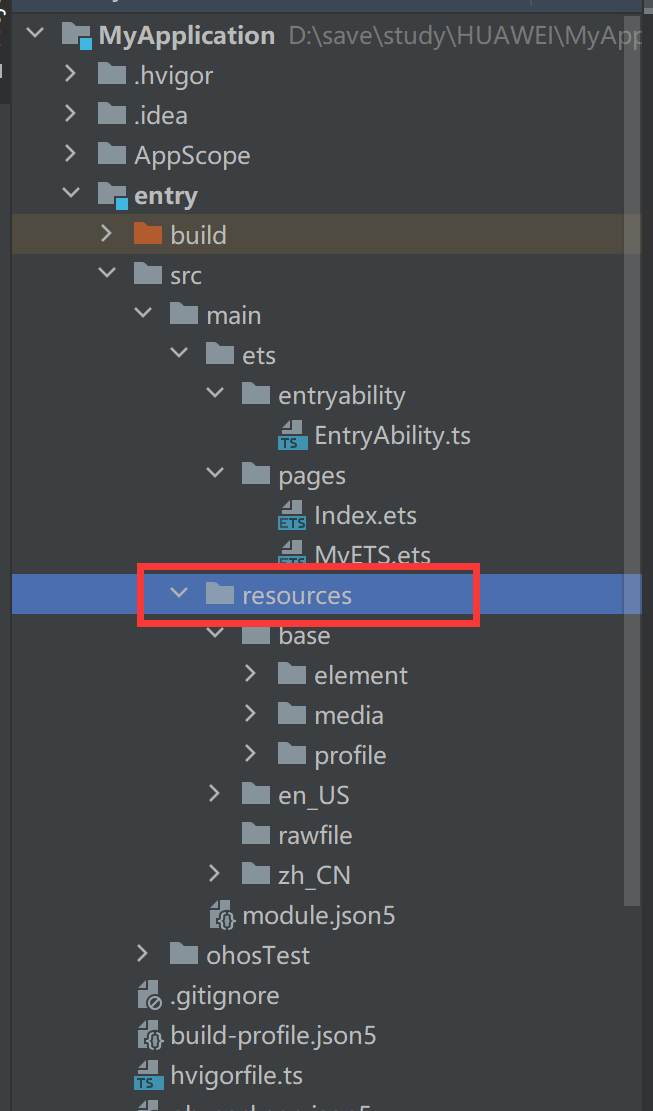
引入资源文本
在string.json中定义Button显示的文本。
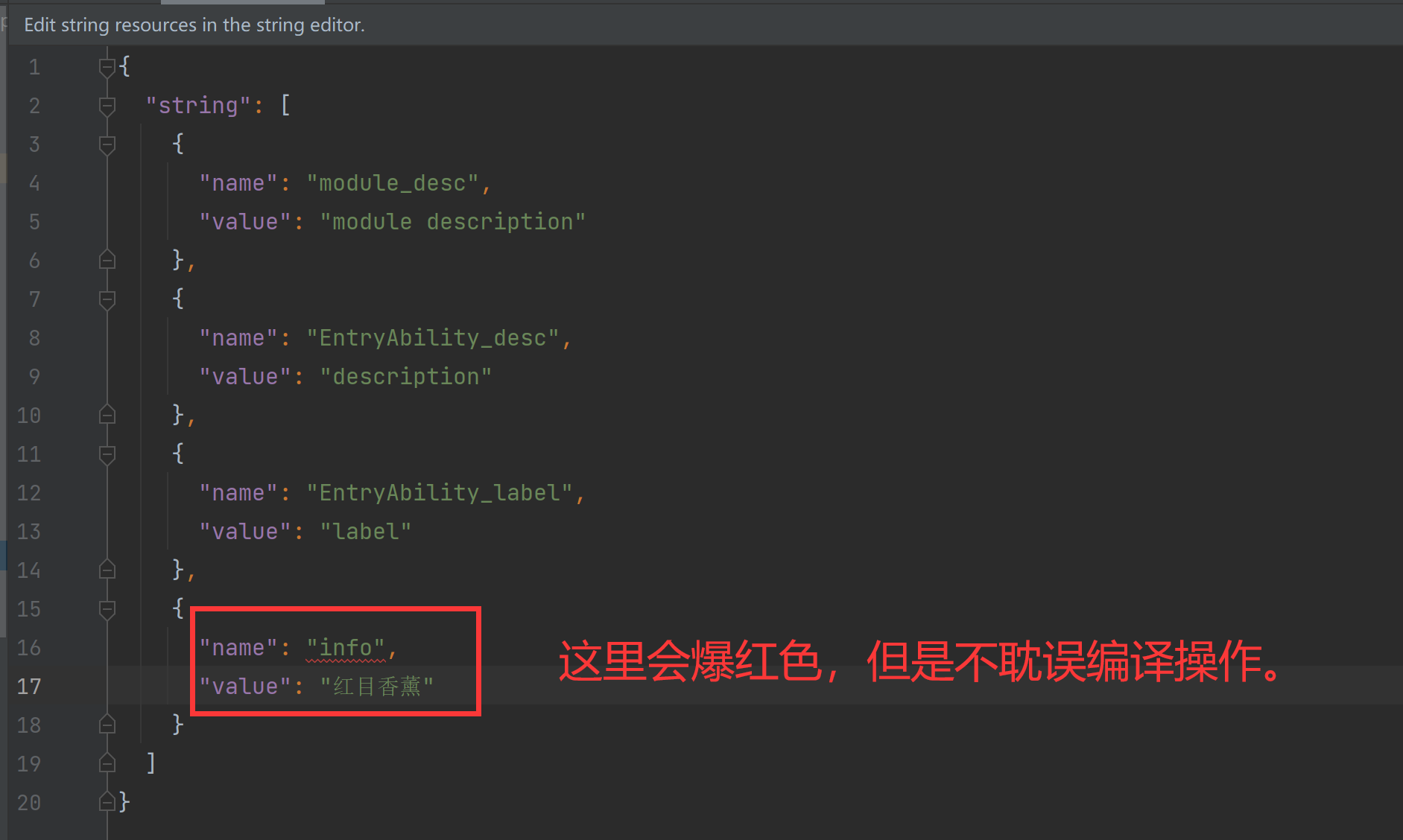
{ "string": [ { "name": "module_desc", "value": "module description" }, { "name": "EntryAbility_desc", "value": "description" }, { "name": "EntryAbility_label", "value": "label" }, { "name": "info", "value": "红目香薰" } ] }
使用方法:
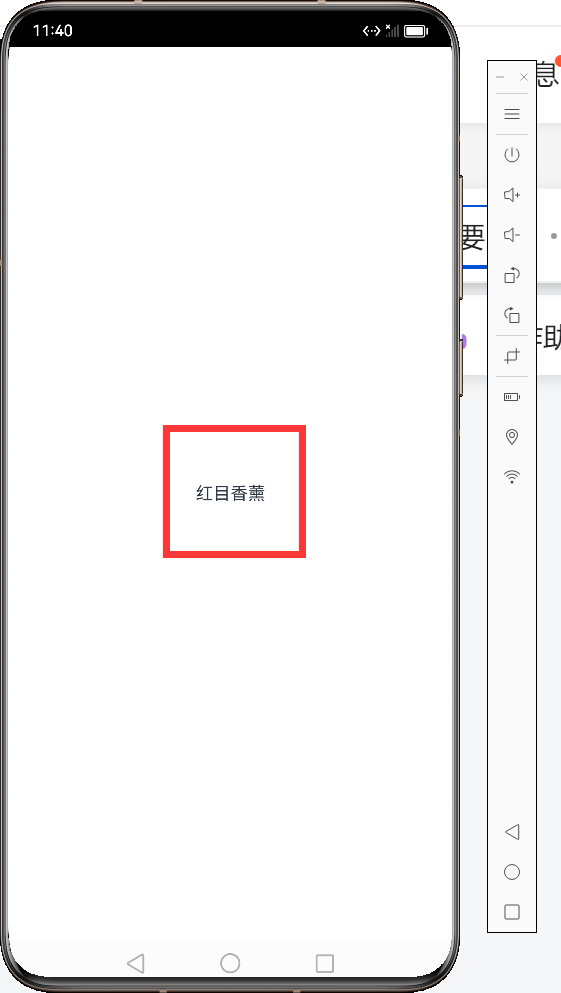
@Entry @Component struct Index { build() { Row() { Column() { Text($r('app.string.info')) }.width('100%') } .width('100%') .height('100%') } }
效果展示:
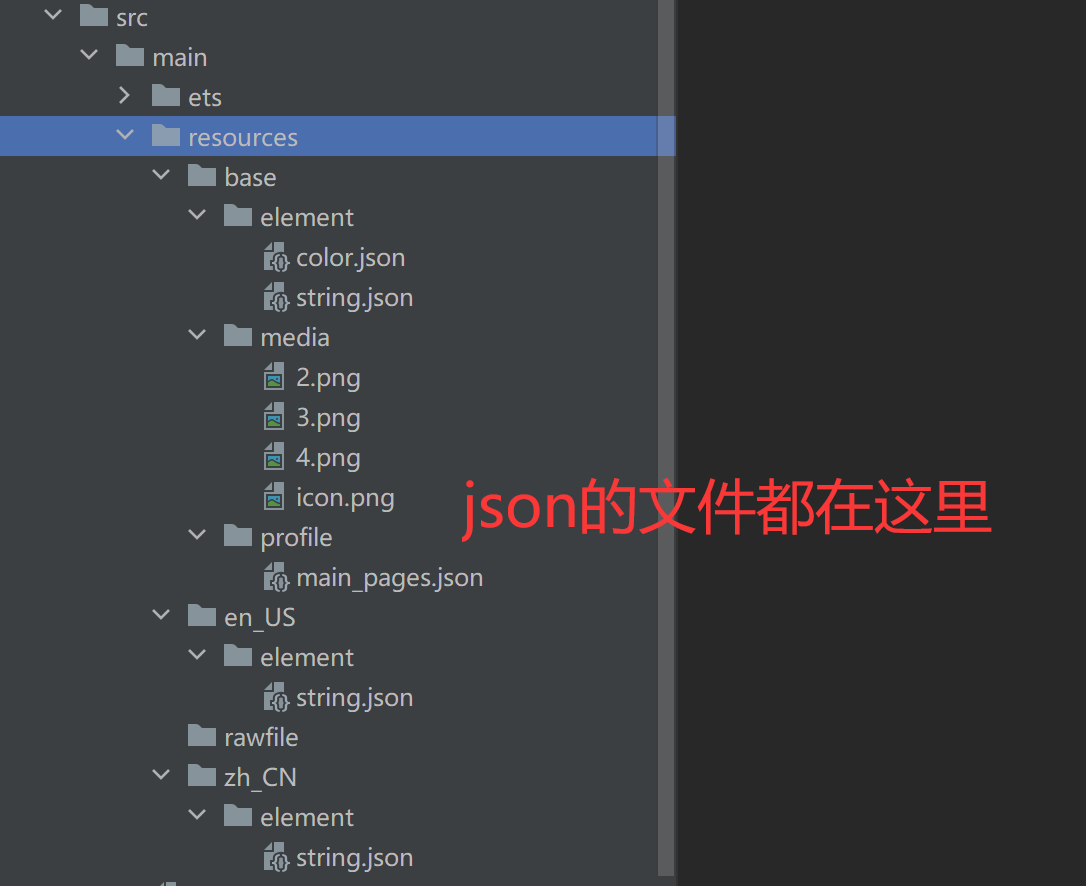
实际的操作文件路径:
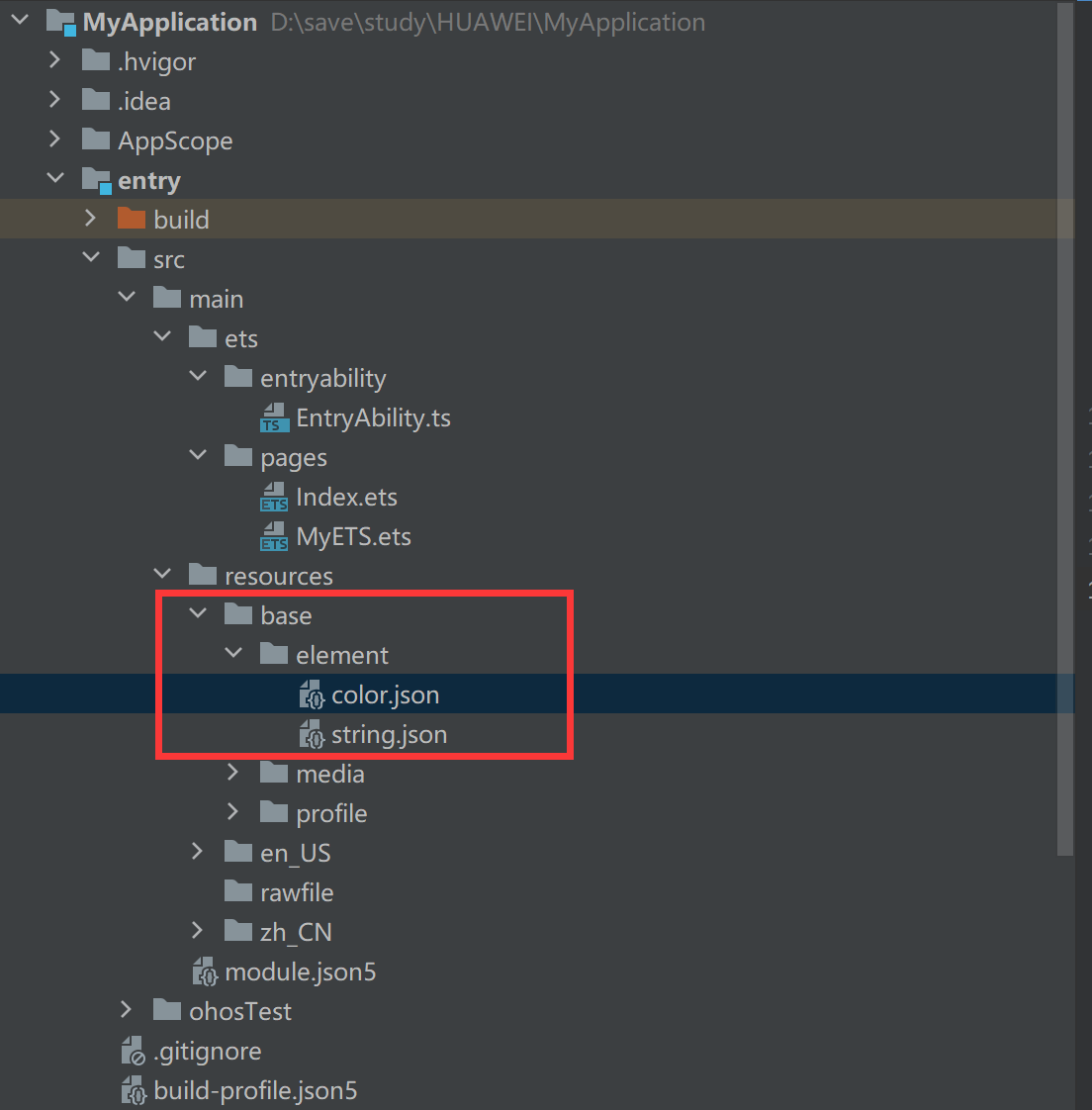
路径:src/main/resources/base/element/string.json
本文参与 腾讯云自媒体同步曝光计划,分享自作者个人站点/博客。
原始发表:2024-01-26,如有侵权请联系 cloudcommunity@tencent.com 删除
目录
腾讯云开发者

Copyright © 2013 - 2026 Tencent Cloud. All Rights Reserved. 腾讯云 版权所有
深圳市腾讯计算机系统有限公司 ICP备案/许可证号:粤B2-20090059  粤公网安备44030502008569号
腾讯云计算(北京)有限责任公司 京ICP证150476号 | 京ICP备11018762号